Mottle Game FAQ
These questions cover the Mottle — Hide & Seek browser game by Star Lord and the features of this independent guide. If the title is unfamiliar, start with what Mottle game is. It is the camouflage game on 8x.gg, not a motel simulator or a daily word-puzzle answer page.
Is Mottle free, and do I need an account here?
The original game listing offers free browser play. This guide does not ask you to create an account to read its pages, open the player or share a game link. The game is hosted separately, so its platform controls its own availability and any account prompts. Start with Play Mottle on the game page.
Why do I have to select Play and then tap the game?
Play Mottle loads the external game into our page. Once it appears, the game’s own start screen asks for a tap or click to begin a run. The first click opens the hosted game; the next action starts playing. The coloured cover shown beforehand is a mechanism illustration, not an active game session.
What can I try if the player stays blank?
Check your connection and try Reload game. If the embedded view still fails, Open original beneath it opens the game at its host. Our guide cannot repair a host outage or change a network restriction. Reloading is also different from pausing, so use the pause button inside the game when you simply want a break.
What if Resume leaves the game paused?
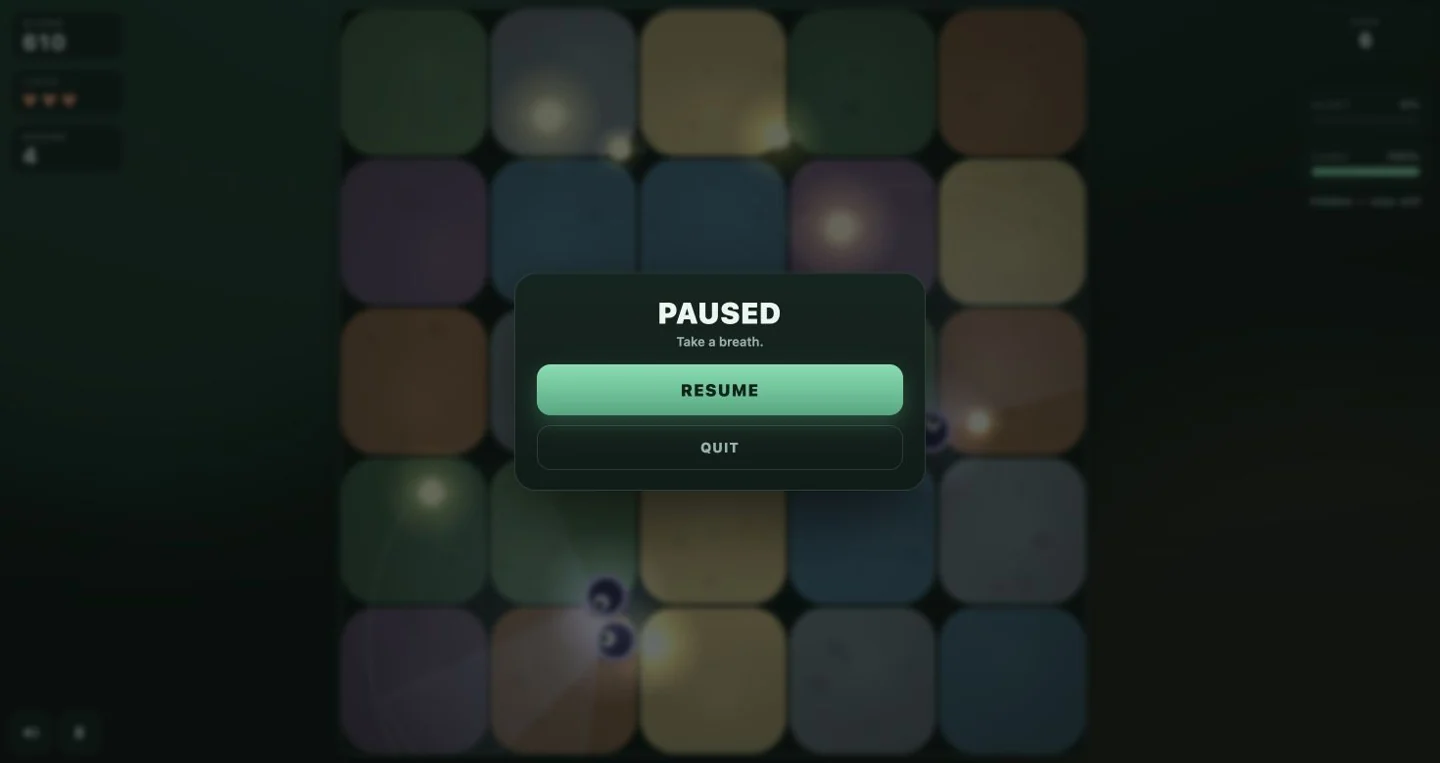
The current hosted game can remain on its pause panel after Resume is selected; we encountered this during our November 15 check. Use Reload game above the player to start over if that happens. Reloading resets the current run, so save or share a screenshot first if you want to keep that moment.
Are Camo and Alert the same thing?
No. They describe camouflage and detection danger, while the score is displayed separately. Release the mouse button or lift your finger to let camouflage build; holding the input still does not count as releasing it. Read the rules for the meters and scoring, then the strategy guide for examples of choosing a route and stopping earlier.
Can I play on a phone or download an APK?
The game has touch drag-and-release controls, which you can try in a mobile browser. Compatibility depends on the host, browser and device. See the mobile guide for screen space and loading help. This site has no APK, and a link to the 8x platform app does not establish a separate Mottle release; the download guide explains the distinction.
Can I start a multiplayer match with a friend?
This site does not connect players for live multiplayer or synchronise their games. Sharing the link lets a friend open Mottle and play their own run. You can compare the scores shown in your screenshots or describe a close escape in a message, but sending the link does not create a shared match.
How do I share Mottle on X or Facebook?
Open Share your game and choose X or Facebook. These buttons prepare a post with the game link, including a Facebook option for your own feed. They do not publish automatically: review the composer and decide whether to send. Copy link is available if you prefer to share through another app.
Will copying the link also send my screenshot?
Copy link shares the game address. To send a picture, use Capture screenshot in a supported browser, select the Mottle tab and review the preview. Then use Share image when offered, or Save image and attach the PNG in a new post. On a phone, take a device screenshot and attach it directly. See the sharing steps for details.
Where are my screenshot and local counts stored?
The guide processes a captured screenshot in your browser without uploading it to our server. Sending it through another app puts it under that app’s handling. Optional usage counts stay in this browser and can be cleared on the privacy page. The separately hosted game may use its own storage; our Clear local stats control does not erase the platform’s data.